
FLASHDUCK
Build & Usage Guide
The same Shanmao Bot 1 hardware, wearing a different 3D-printed shell. This guide breaks it into three steps: buy the kit → print the parts → follow the video. No soldering, no prior experience needed.
First time? Just follow 01 → 02 → 03 in order.
Get two things first.
One kit, one shell.
Flashduck needs no new electronics. It uses exactly the servos, control board, camera, speaker and battery from Shanmao Bot 1. All you have to prepare is the kit and the printed shell.
Shanmao Bot 1 official DIY kit
The source of every electronic part. Everything below is already in the box — no extra purchases.
- Shanmao high-performance MG90 clutch servo× 6
- Shanmao Bot 1 all-in-one control board, 2nd gen (camera-ready)× 1
- Servo horn pack× 6
- Screw pack× 1
- Screwdriver× 1
- Speaker× 1
- Rechargeable lithium battery× 1
- Charging / data cable× 1
- Free Shanmao Bot 1 shell set× 1
Flashduck 3D-printed parts
13 part types, 17 pieces in total — head, body, limbs and joints. Print them yourself or use a print service.
- Back of head× 1
- Forehead× 1
- Eye ring× 1
- Chin× 1
- Beak× 1
- Body× 1
- Thigh× 2
- Thigh cover× 2
- Backpack× 1
- Shin× 2
- Foot× 2
- Neck× 1
- Temple joint× 1
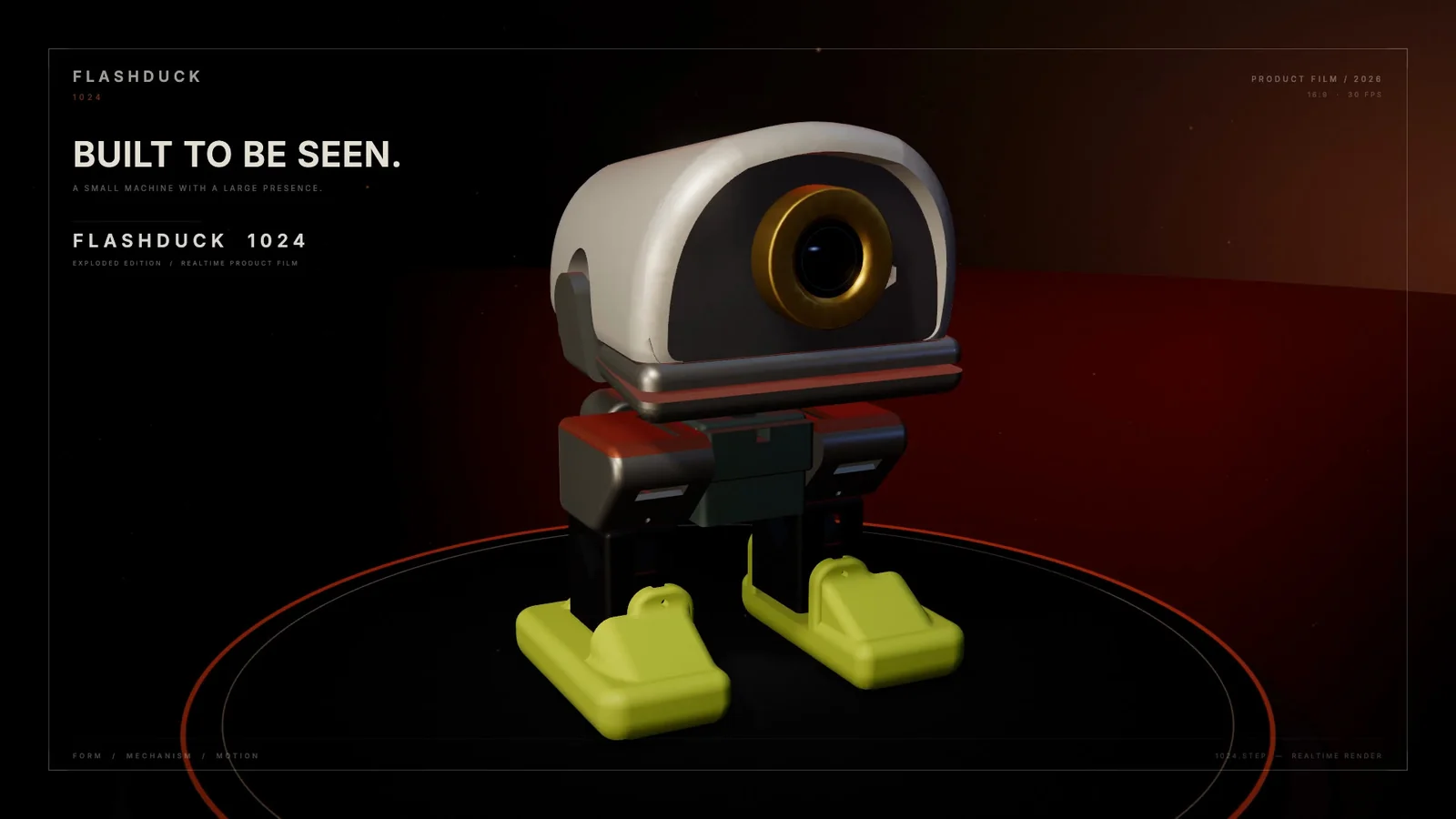
What's inside this body.
Six servos, one ESP32-S3.
Every part you touch has a spec. Here's the full hardware list — worth checking before you swap in a third-party part.
One body, two personalities.
Flash whichever you want.
Flashduck has two completely separate interaction systems. Pick one — they can't run together, and flashing one overwrites the other. The two codebases also carry different licenses.
Voice Edition
SPEECH · CLOUD
- Say “小鸭小鸭” to wake it, then just talk
- Ask it to walk, turn, jump, shake its head or open its beak
- With MCP tools it can check weather, control devices, search
- Tune the gait in the browser; it stays after a reboot
- The eye changes with scanning, connecting, idle, listening, speaking
DuckClaw
ON-DEVICE AGENT
- On-device agent: agent, memory and tool routing all live on the robot
- It doesn't speak — you talk to it through DingTalk
- Remembers sessions and long-term context, 22 emotions with relationship growth
- The model decides all six joint angles and improvises poses
- No voice interruptions — quiet desktop companionship
It is not a
preset-animation player.
Most desktop robots hard-code their moves: a developer defines “wave = angle A → B → C” and users can only trigger what already exists. Flashduck takes another route — let the AI actually control the body, instead of picking from a list.
| Preset animations | Flashduck | |
|---|---|---|
| New move | Edit code, reflash | The AI composes joint angles at runtime |
| Granularity | One move = one function | Six joints — splittable, composable, continuous |
| Source of expression | A fixed move list | Conversation, mood, context; the Voice build can add vision |
| How it grows | The developer defines everything first | Model + MCP tools + Skill keep extending it |
DuckClaw's Servo Sequences expose all six joint angles straight to the model. It can compose a pose on the spot, chain several into a sequence that was never written in code, and improvise a body language for a mood it just met — treating the angles of legs, feet, neck and beak like “pixels” and assembling an idea out of them.
The basic moves are still there: walk, turn, jump, shake, open beak. Think of them as vocabulary, and Servo Sequences as grammar — the AI can speak with words, or make up a new sentence.
An AI-hardware foundation.
It just happens to look like a duck.
Voice, vision, display, expressions, motion and tool calling — the components you'd expect in an AI hardware product are all here. The same core can be moved to a different form.
Biped or quadruped robots, desktop companions, education robots, AI voice recorders, desktop assistants, camera-and-expression agents — anything small that needs “voice + vision + screen + motion + tool calling”.
You can take just one layer — the voice pipeline, the vision, the motion, the screen, the agent — or recombine them into your own product. It isn't a sealed product; it's a skeleton that keeps growing.
All the code is outside.
Change whichever layer you like.
Structure, firmware, toolchain and docs are all public. Each entry below marks a clear place to make changes — you don't have to understand the whole project first.
firmware/voice/main/boards/flashduck/flashduck_display.*firmware/voice/main/boards/flashduck/flashduck_controller.*flashduck_movements.h · or tune in the browser, saved to NVSCamera auto-detects three modules · hook up vision / MCPAll 13 printed parts are editable · keep servo mounts and link lengthsMotion and voice APIs are separate · take just the hardware layerThe repo ships a dedicated Skill (skills/flashduck-dev/SKILL.md): it checks your environment, installs ESP-IDF, builds, flashes, and edits along the “smallest change layer”. Hand it and one sentence to a coding agent — WorkBuddy, Codex or Claude Code all work.
“Change the wake word to ‘hey duck’, keep the current eye and gait.”
“Add a ‘blink when someone appears’ expression; skip it when no camera is installed.”
More tutorials are on the way
Follow our official WeChat account Shanmao Makes to see new guides and builds first.